
Practical guide · UAE
How do I stop unwanted WhatsApp sales messages in the UAE?
Block unwanted senders, restrict who can add you to groups and report spam inside WhatsApp. Keep a private record if the same business continues contacting you. These steps reduce unwanted contact; they cannot guarantee an empty spam inbox.
How do I block a sales message?
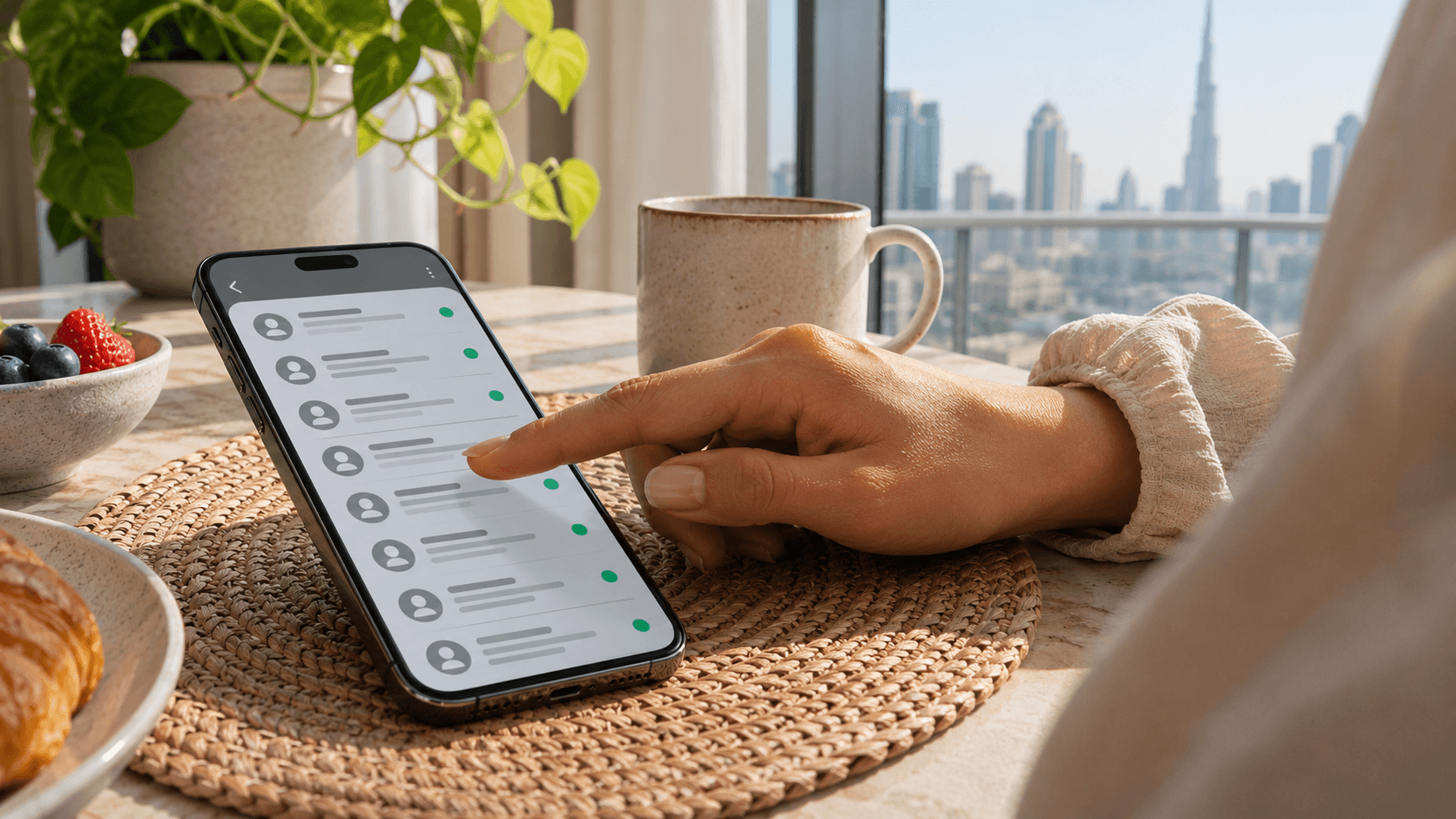
Open the chat, tap the sender's name or number, then choose Block and confirm. If the message is spam, use Report and block or the reporting option shown. Labels vary by phone and app version. You do not need to save the number first. WhatsApp instructions
Save screenshots before choosing any option that deletes the chat. Blocking a business also stops useful messages from that account, such as delivery updates.
Can I block every message from an unknown number?
Do not mistake WhatsApp's bulk-message protection for a complete strangers filter. Look in Settings > Privacy, under the advanced settings, for Block unknown account messages, if available.
It acts when messages from unknown accounts reach unusually high volumes; blocking stops when the rate returns to normal. Individual sales messages can still arrive. How this protection works · Privacy settings
How do I stop people adding me to sales groups?
On your phone, open WhatsApp Settings > Privacy > Groups. Choose My contacts, or My contacts except... to exclude particular saved contacts.
This controls direct additions to new groups. People can still send invitation links, which you can ignore. It does not remove you from existing groups; leave unwanted ones separately. Group privacy instructions
Is reporting the same as blocking?
No. Reporting alone does not stop messages. Also choose Block to stop further contact.
WhatsApp receives up to five recent messages sent to you, plus account and message details. The sender is not notified. A report does not guarantee a ban. WhatsApp's explanation
Does the UAE's Do Not Call Registry block WhatsApp messages?
Do not rely on registration to filter your WhatsApp inbox. The UAE's telemarketing definition includes promotional messages through social-media applications; the rules cover UAE-licensed companies, including free-zone companies. That legal protection is separate from blocking an account inside WhatsApp. Official regulation, Articles 1 and 3
For ordinary sales calls, use our separate UAE blocking and reporting guide.
What can I send a business that keeps messaging me?
For a verified business, send this request through its official contact channel:
"Please stop sending promotional WhatsApp messages to this number and remove it from your marketing lists. I withdraw any consent to promotional messages. Keep necessary service updates separate and confirm that my preference has been recorded."
Keep the request and response. WhatsApp explains its business-message controls. For a suspicious stranger, do not reply; block and report.
What if messages continue from different numbers?
Block and report each new account. Keep sender details, dates, messages and your removal request together. A company name or logo alone does not prove who sent them.
Avoid posting your number or personal WhatsApp QR code publicly. Ask how the business obtained your details; do not assume a particular agent or authority leaked them.
Where can I report persistent property marketing in the UAE?
Dubai: Dubai Land Department's Report Malicious Calls service covers marketing calls and notifications. In its reporting form, identify the contact as a WhatsApp message and attach screenshots. Ask DLD for help if the form does not fit.
Abu Dhabi: for firms regulated by the Abu Dhabi Real Estate Centre, ask for the complaint route through ADREC's enquiry form.
Elsewhere or another industry: confirm the route with the authority licensing or regulating that business. Reporting inside WhatsApp is separate from a government complaint.
What if the message asks for money or a verification code?
Stop responding and verify the sender independently. Do not open suspicious links or share passwords, verification codes or payment details. Block and report the account. If you believe a crime has occurred, contact local police. WhatsApp's scam guidance
Official sources checked 5 November 2026. App menus and complaint procedures can change; use the linked guidance for current instructions.